Plain Weave
Plain Weave creates a simple weaving pattern in which the threads are alternately placed above and below each other.
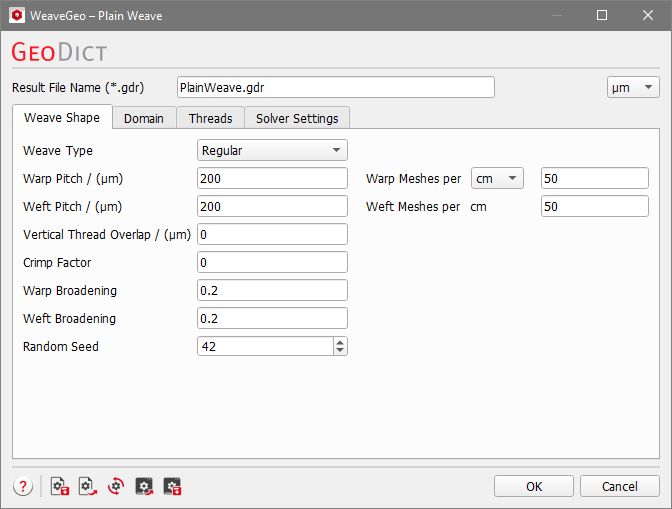
At the top of the Edit... dialog, the name for the folder containing the generation results can be entered in the Result File Name (*.gdr) box. You can either keep the default name or choose a new one that fits the current project.
On the top right, the available units (m, cm, mm, µm, nm, and Inch) are selectable from the pull-down menu. When the units are changed, the entered values are adjusted automatically.
The weave parameters are organized under the tabs Weave Shape, Domain, Threads, and Solver Settings.
The Plain Weave parameters: |
|---|
|
