Create Video from Image Stack
An existing stack of single frames is converted into a video using Create Video from Image Stack.
For example, if a video was generated with the Keep Images option checked in the Export Video dialog, creating a video from this image stack is done quickly with the possibility of changing other settings, such as the Video Format or the Frames per Second.
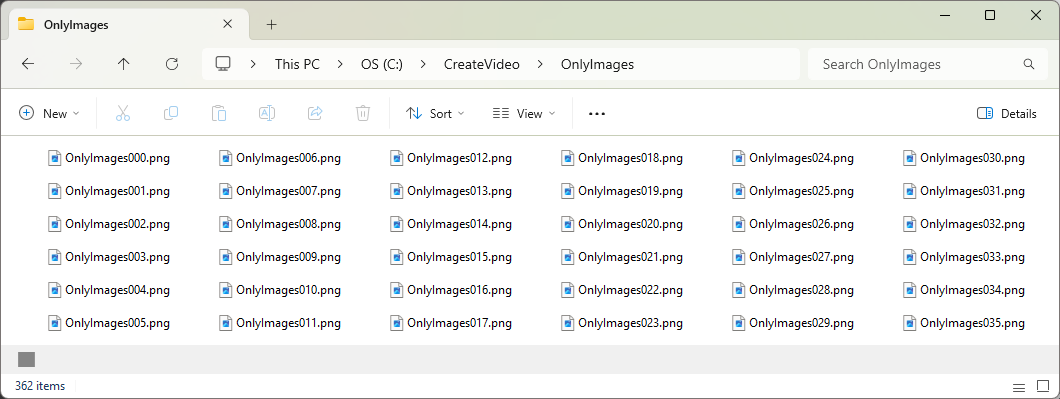
When creating your image stack you need to make sure that all images have the same name and a running number. This is important to control the order in which the images are combined to make the video. If the image stack was created as explained above, this is always the case:
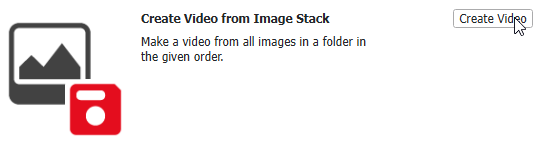
Scroll to the Create Video from Image Stack entry in the Create Video dialog and click Create Video.
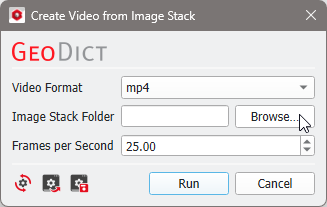
In the opening dialog, choose the Format of the video, and click Browse … to search for the folder which contains the saved individual frames (Image Stack Folder). All images found in this folder are used for the video generation.
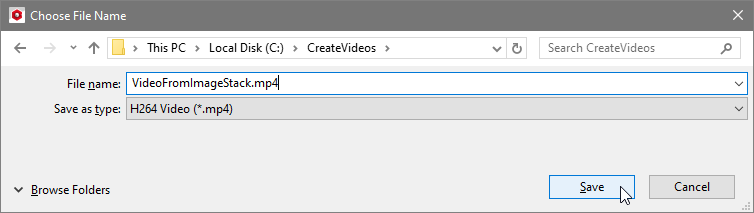
Clicking Run opens a dialog to choose file name and destination of the video. After clicking Save, the video is generated and saved to the specified file path.