Export as GAD Objects
This command was part of the ExportGeo-Base module in versions 2023 or earlier. With it, you can create a .gad file that contains a selection of GAD objects present in the current structure.
Click the Options’ Edit… button to open the Export as GAD Objects dialog.
There, select a Result File Name. The exported file is stored next to this *.gdr result file with the same base name and suffix *.gad. By default, all GAD objects are included in the file. The number of stored objects can be reduced by checking Export only one Material ID and/or Export Objects in Range.
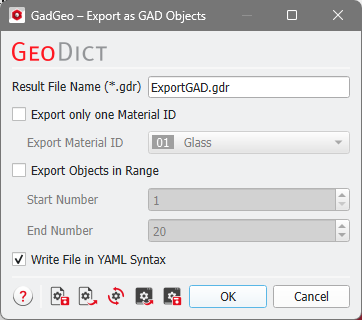
 Export only one Material ID

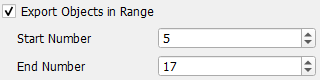
Export Objects in Range
 .
.