Embed
Embedding adds empty voxels (voxels with a gray value of 0) around the current image. Enter the desired number of voxels for directions X-, Y-, Z-, X+, Y+, and Z+. Then, click Apply to embed the image. This can be useful for generating enough space to rotate the image without losing information, for example.
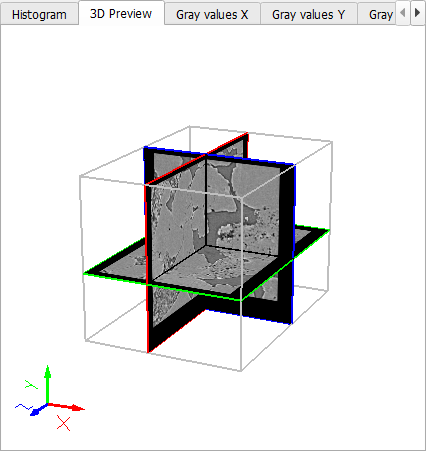
The embedding effect is easily observable in the 3D Preview:
|
Know how! You can Save your current settings for this tool as Start-Up Settings . The next time you process an image, these settings will be automatically loaded and filled into the parameter fields. You can also load the Built-In Default Settings available in GeoDict. If you change any settings and want to revert to your saved start-up settings, click the corresponding button to Load the Start-Up Settings . |

