Options
The Identify Pores dialog opens when clicking the Edit… button and includes the Pore Segmentation tab, the Output Options tab, and the Constituent Materials tab.
At the top of the dialog, enter the Result File Name. The result file is saved in the chosen project folder (File → Choose Project Folder in the menu bar).
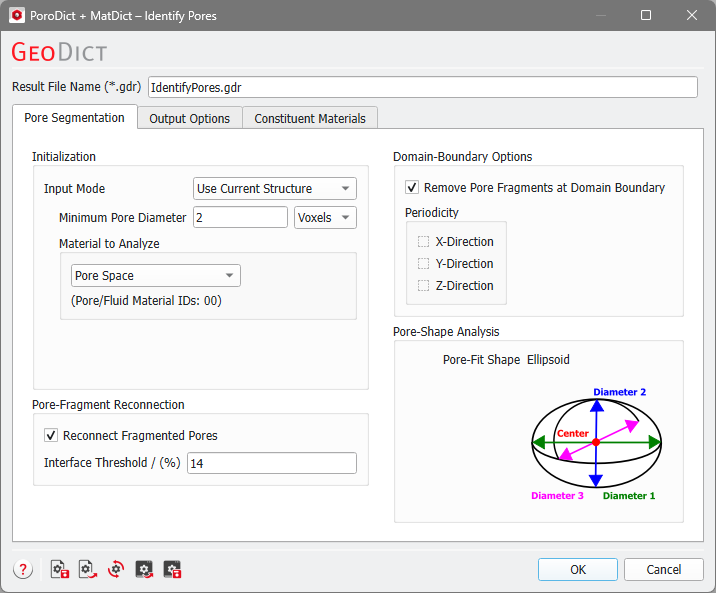
Identify Pores Options: |
|---|
|
