Apply Neural Network
After producing training data and training neural networks, the networks can be applied to all structures with statistical parameters fitting to the network.
|
Note! Use GeoDict-AI Apply Neural Network, to apply neural networks trained to distinguish between material phases. If the network is trained to identify fibers, use FiberFind Identify Fibers (AI). Refer to the FiberFind handbook for more information. If a network is trained for grayscale images use Enhance Grayscale Image or Segment Grayscale Image depending on the use-case. To start, load the structure to analyze and select Apply Neural Network from the pull-down menu in the GeoDict-AI section. |

Click the Options’ Edit... button. When opening this dialog the first time, it can take some time as GeoDict checks for available GPUs.
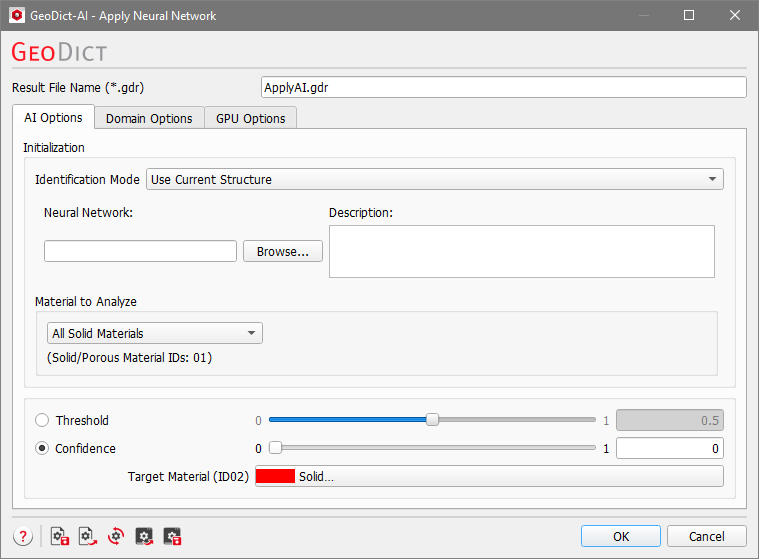
The Apply Neural Network dialog is organized in three tabs: AI Options, Domain Options and GPU Options.
Topics of this section |
|---|
|
