Embed
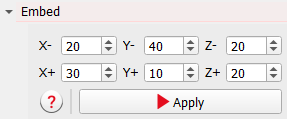
Embedding adds empty voxels (voxels with a gray value of 0) around the current image. Enter the number of voxels as desired for the directions X-, Y-, Z-, X+, Y+, and Z+. Then click Apply to embed the image.
This can be useful, for example to generate enough space to rotate the image without losing information.
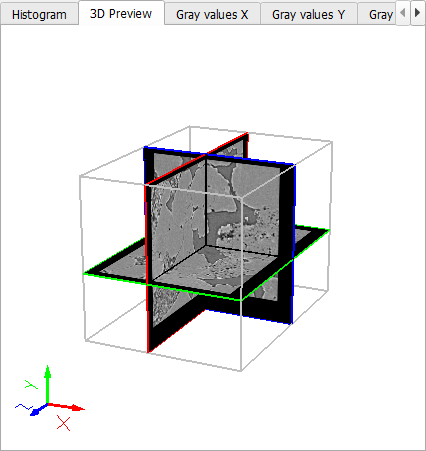
The embedding effect can easily be observed in the 3D Preview: