Constituent Materials
Under this tab, the constituent materials of the pore space/matrix and the structure material(s) can be set or chosen from the GeoDict Material Database.
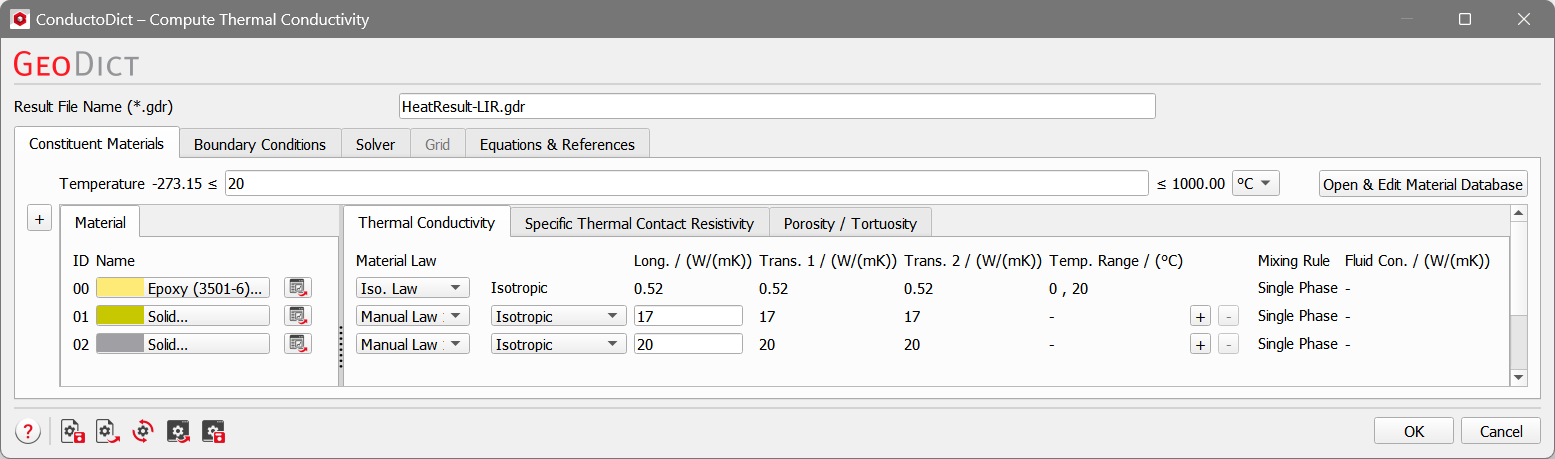
The parameters for each material are subdivided into Thermal Conductivity, Specific Thermal Contact Resistivity, and Porosity / Tortuosity.
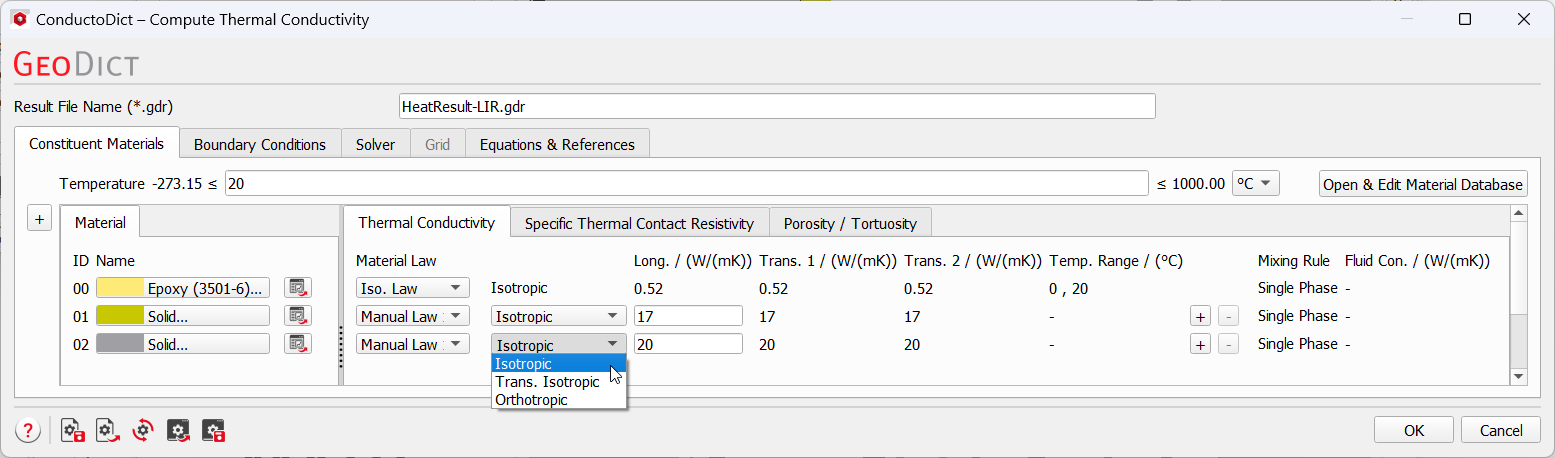
The thermal conductivity for each of the constituent materials needs to be specified for Compute Thermal Conductivity. More information on constituent materials can be found in the Material Database chapter. For every material, one of the material laws defined in the material database must be selected. For Manual defined materials, Isotropic, Transverse Isotropic or Orthotropic conductivity can be chosen from the pull-down menus. When Transverse Isotropic or Orthotropic is chosen, the EJ solver cannot be selected in the Solver tab, and the LIR becomes the only choice of the solver. A Mixing Rule is only available for porous media. The different mixing rules can be chosen to find the effective thermal / electrical conductivity. The details of the mixing rules are described in the Porosity / Tortuosity tab. |
 Specific Thermal Contact Resistivity
When contact resistances exist between different materials, enter the parameters in the Specific Thermal Contact Resistivity subtab. First, choose the Number of Specific Contact Resistivities. This creates the desired number of rows in the input tab. There, select the materials for Material ID 1 and Material ID 2, and set the value of the specific thermal contact resistivity between these two materials.  If the contact resistivity between the two materials has a finite value, then Finite resistivity should be chosen as the Contact Type. The contact can also be an insulator, which means the resistivity is infinite. Then Insulator is chosen and no value for Specific Thermal Contact Resistivity column is needed for the input. Contact resistances can be applied between the same Material IDs, as well as between different material IDs.  If the same material ID is chosen for Material ID 1 and Material ID 2, the contact resistance is applied only between different objects of the same color. There are two different ways how objects can be defined, for this see the description of the Object Mode of this user guide chapter. If there are no contact resistances, just leave the Number of Specific Contact Resistivities to be 0. |
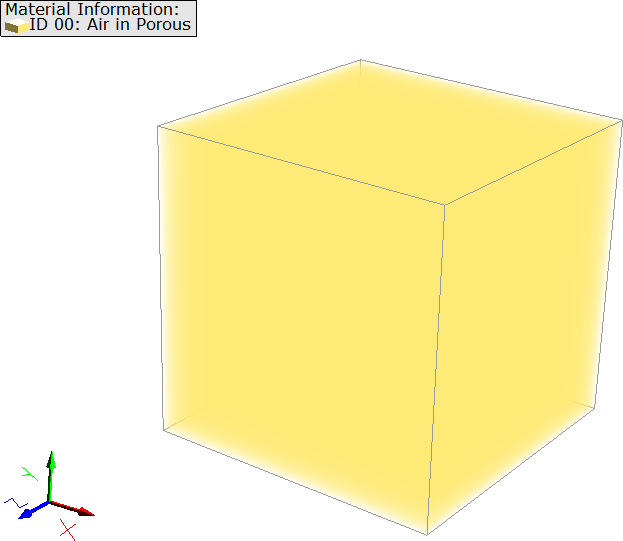
If there is no porous material in the structure, but only pure solid or fluid materials, you do not need to set any parameters in the Porosity / Tortuosity tab. 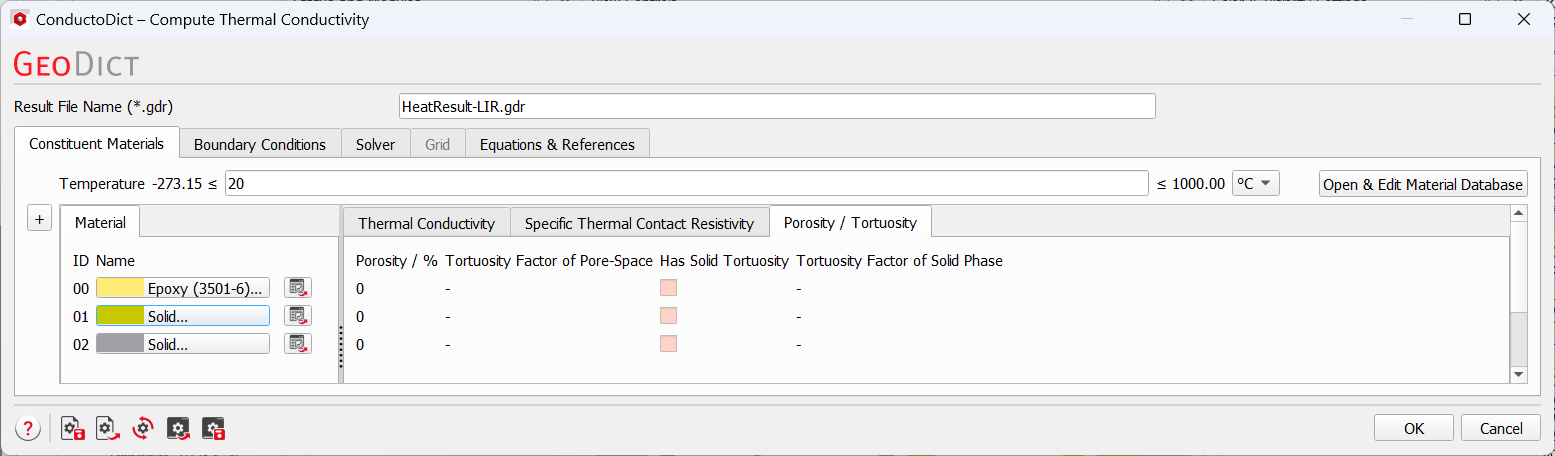 When the current structure contains a porous material, the parameters Porosity, Tortuosity Factor of Pore-Space, and Has Solid Tortuosity become selectable. When you select Has Solid Tortuosity, you can also enter a value for the Tortuosity Factor of Solid Phase. 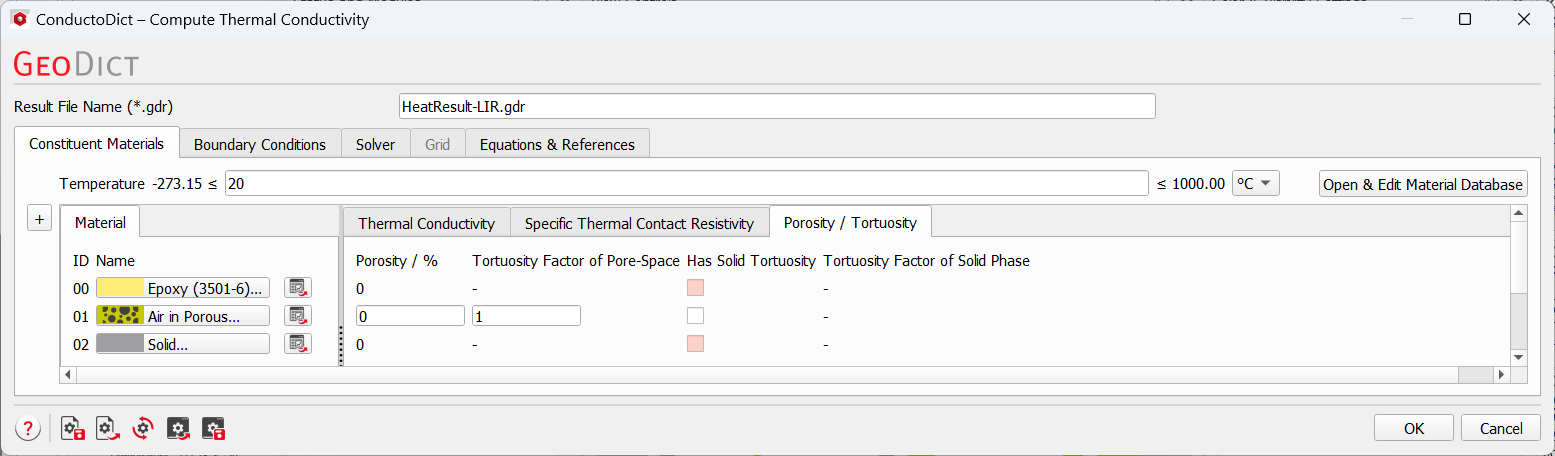 For each porous material, select the applied Mixing Rule on the Thermal Conductivity tab. The different rules are described on the Mixing Rules page. 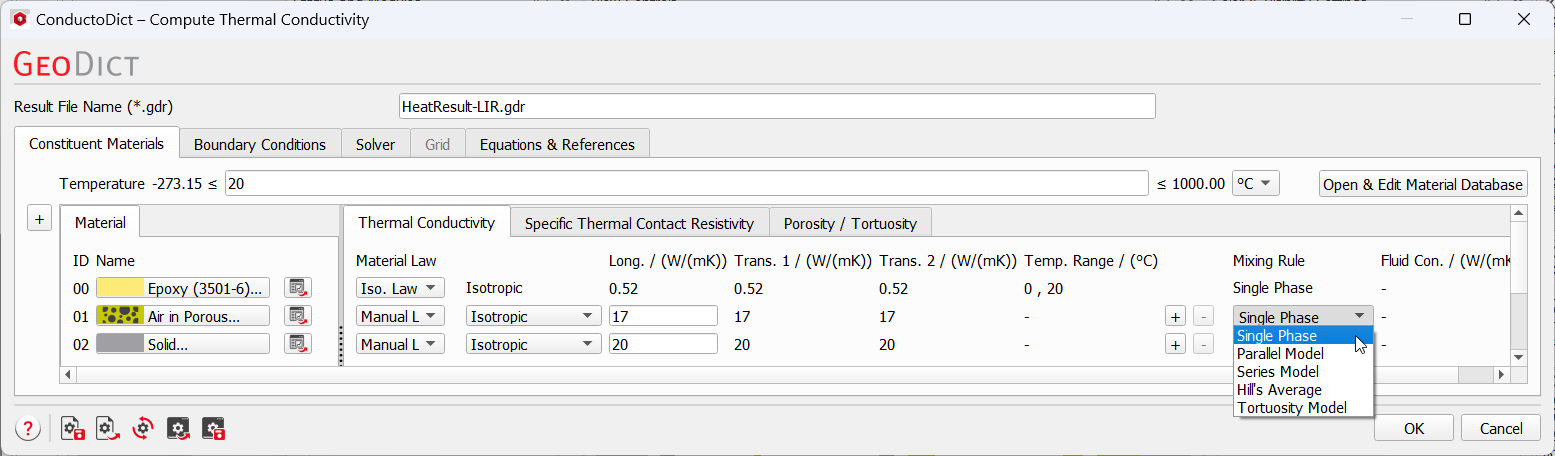 To illustrate how the mixing rule works, we create a 1 x 1 x 1 structure and show what the effective conductivity would be when different rules are chosen.
We set the thermal conductivity 1 W/(mK) for the material 00. By choosing the different mixing rules, the parameters including the fluid conductivity, porosity, tortuosity of pore space and solid phase may matter. The table shows the results in the last column for the given parameters in the first 6 columns. When a table cell is empty, the value does not take effects on the result. The results can be validated easily with the formulas given on the Mixing Rules section.
|
©2026 created by Math2Market GmbH / Imprint / Privacy Policy
