Short Fiber Reinforced Plastic
The Short Fiber Reinforced Plastic app generates a predefined fibrous structure.
|
Modules needed to run this GeoApp: FiberGeo |

Parameters
Clicking Edit opens the Short Fiber Reinforced Plastic parameters dialog.
Enter a Result File Name for the generated result file (*.gdr) and the corresponding result folder.
Define Voxel Length and the Domain Side Length in X- and Y-direction.
Select the Matrix Material and the Fiber Material from the GeoDict material database.
Set the Fiber Volume Percentage to define how many fibers should be generated.
In the Fiber Size panel, enter the Fiber Diameter and the Fiber Length of the generated curved circular fibers.
Below, in the Fiber Orientation panel, define the entries on the diagonal of the Orientation Tensor. Please note that the sum of the three orientation values XX, YY, and ZZ has to be 1.
Clicking on OK closes the dialog and clicking on Run creates the plastic structure.
Results
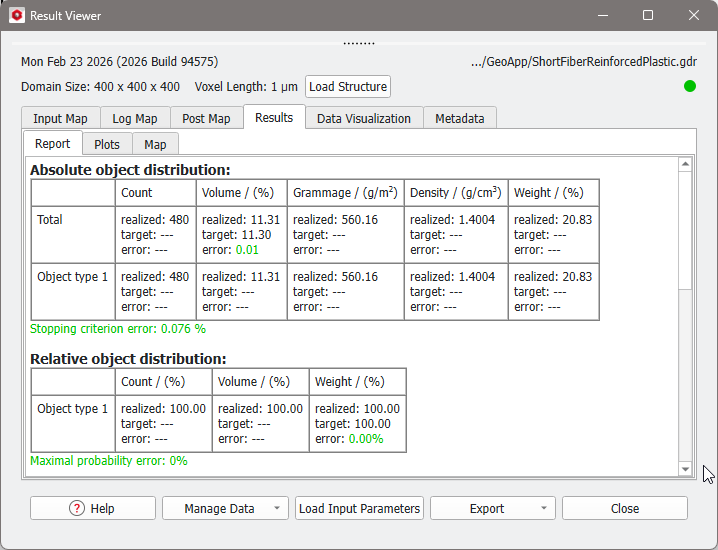
When the structure generation finishes, the Result Viewer of the result file (*.gdr) opens automatically. The resulting structure has no overlap. For more information on this result file refer to the FiberGeo User Guide.