Generate Granular Structure
The Generate Granular Structure app uses stochastic geometric modeling on a grain-based distance field to generate a 3D structure model. The app uses the same structure generation algorithm as the Generate Granular Twin From 2D and the Generate Granular Twin From 3D apps. It can therefore be used to
- find an initial guess for the optimization run in one of the other apps, or
- generate digital twins with the parameters found in one of the other apps.
This generation is done in three steps:
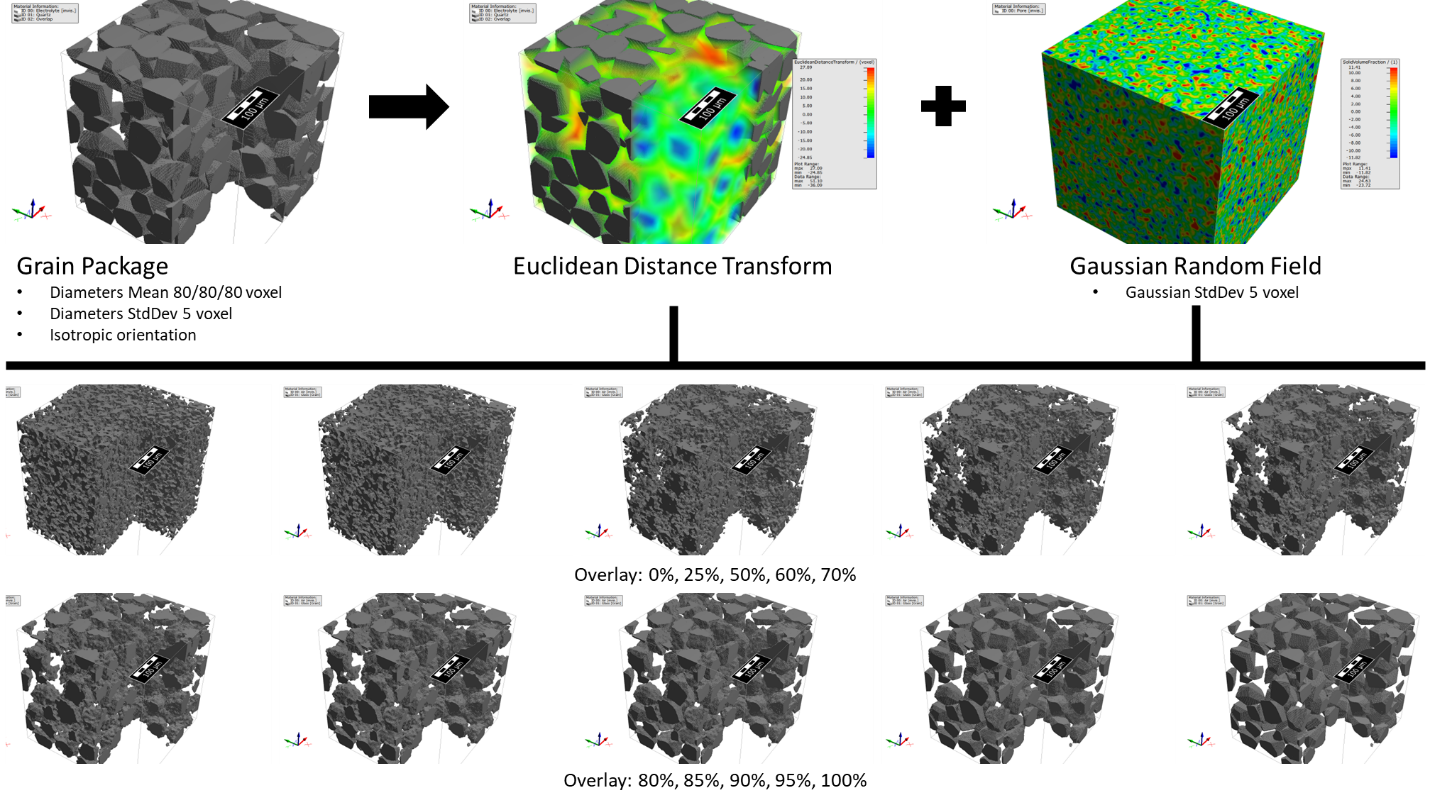
- A package of grains is generated by GrainGeo - Create Grains and removing overlap up to a certain degree. The grain generator uses spheres, ellipsoids or convex polyhedrons with enclosing ellipsoids, depending on the settings.
- Based on this grain package, a Euclidean distance field is generated.
- Using GrainGeo - Stochastic Field Thresholding, a random field is generated, overlaid with the Euclidean distance field and thresholded to reach the targeted porosity.
The figure below illustrates an example of different overlay strengths for a target with 30% solid volume percentage. After generation, the structure is cleansed to remove artifacts.

|
Modules needed to run this GeoApp:
GrainGeo
|
Clicking Edit... opens the Generate Structure dialog. At the top, define a Result File Name for the result file and the result folder containing the generated structure.
 Overlay Grains and Random Field Settings
The Overlay Strength is the field overlay strength in percentage. At 100% overlay strength the result will only show the grain package, while at 0% overlay strength the result will show only the random field. If no Random Field is used, this value is automatically set to 100%. If no Grain Generator is used, this value is automatically set to 0%.
Check Invert Grains for Overlay to switch pore and solid material. In this case, the grain generator creates the pore space, and the background becomes the solid material.
|
Grain Generator
Select the basic shape used to generate the 3D structure. Select None as Grain Generator to use only the Random Field for the structure generation. The app uses the GrainGeo - Create Grains command to create the grain structure. Be aware that all lengths are given in the unit voxel.
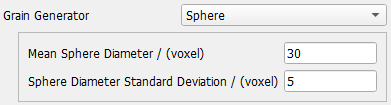
For the Sphere shape, the diameters are Gaussian distributed. Select the mean diameter and the standard deviation.
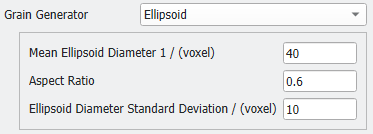
For the Ellipsoid shape, the first diameter is Gaussian distributed. Select the mean diameter and the standard deviation. For the other two diameters, the same fixed aspect ratio is used. The selected aspect ratio must be between 0.25 and 1. Therefore, only prolate spheroid shapes are possible here.
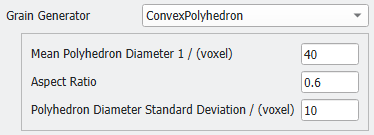
For the Convex Polyhedron shape, an (prolate spheroid) ellipsoid is used as enclosing object with matching Enclosing Object Volume (see the GrainGeo user guide for details). Select the mean diameter and the standard deviation. For the other two diameters, the same fixed aspect ratio is used. Again, the selected aspect ratio must be between 0.25 and 1.
|
Specify the Grain Orientation
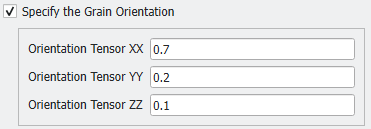
Each granular object is created with a random orientation. By default, the orientation is isotropic, and every direction has the same probability. Check the Specify the Grain Orientation box to define an anisotropic distribution of the object's orientation.
Define the orientation tensor as described for the Object Options of the GrainGeo - Create Grains command. The three Orientation Tensor parameters entered here correspond to the diagonal entries of the orientation tensor.
The tensor describes the distribution of the grain's main direction, which corresponds to the long axis of the prolate spheroid.
|
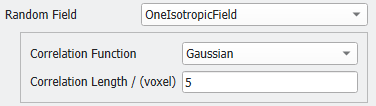
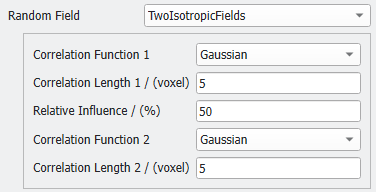
Random Field
Square Random Field
The created random field contains values distributed around mean value 0. Check Square Random Field to square these values, thus turning all values positive. Checking Invert Squared Field further inverts them. These operations fundamentally change the stochastic filed and the shape of the structures that appear after applying the threshold. See the Field Post-Processing in GrainGeo's Stochastic Field Thresholding command.
|
Add Binder
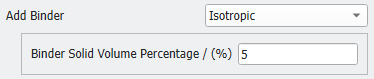
It is possible to use GrainGeo - Add Binder as an additional structure generation step. Select Isotropic and enter the desired Binder Solid Volume Percentage.
This function does not add another 'binder' material to the structure. Instead, it fills the small pores between the generated grains with the same material, thus creating a well-connected solid phase from unconnected objects. The added material isotropic and homogeneously distributed inside the structure.
|
Domain Size: NX, NY, NZ and Voxel Length
Define the domain size and resolution of the created 3D structure model. When changing the Voxel Length, be aware that the parameters of the Random Field and the Grain Generator are given in units of the voxel length.
|
Total Solid Volume Percentage, Pore and Solid Materials
The Total Solid Volume Percentage defines the percentage of grid cells filled with the Solid Material.
You can select one material for the solid part and one fluid material to fill the pores.
|
Random Seed
The random seed is used for the grain structure generation with GrainGeo - Create and to create the random field(s).
|
Results
The default settings create a sphere packing overlaid with a random field of short correlation length.