Autocorrelation Settings
In these tabs the covariances for the corresponding directions are defined.
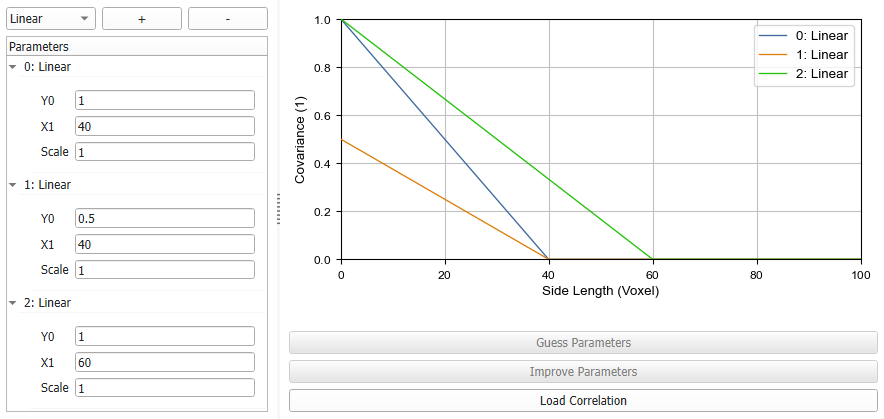
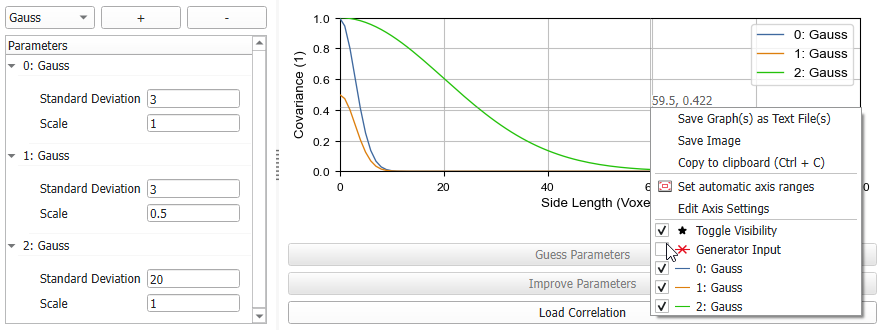
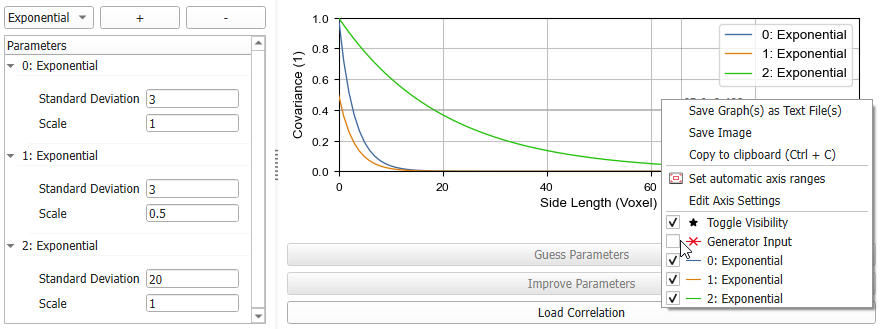
Define several autocorrelation functions in the left panel and view a preview of the current Generator Input function on the right. The generator input is the sum of the defined elements in the Parameters panel and defines the resulting covariance for the random field.
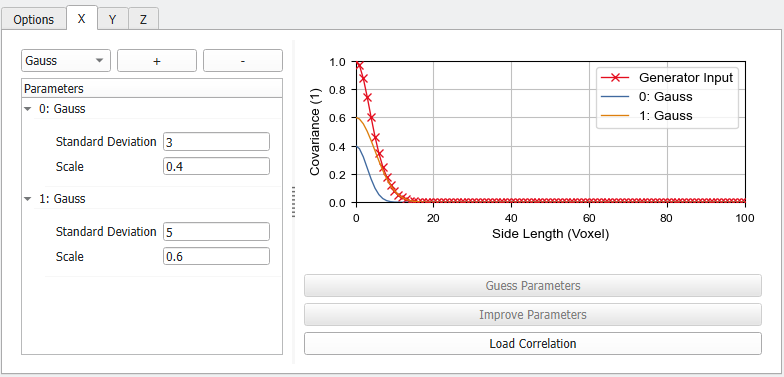
The Side Length defines the length of correlated areas in voxel. The Covariance value displays the relative amount of areas with the given side length.
Either Linear, Gauss, or Exponential functions can be added. Select them from the pull-down menu in the upper left corner and click  . To remove a function, select it in the Parameters panel and click
  .
.
The corresponding graphs are shown on the right with the same name and update automatically whenever a parameter is changed.
The Generator Input then is the normalized sum of all the functions and defines the autocorrelation of the generated Gaussian random field. It is also possible to combine the different function types. Below two Gauss functions were combined with a Linear function.